
Seedream 5.5 API for image generation and editing
Seedream 5.5 API gives you access to ByteDance’s image generation and editing model for turning prompts and reference images into production assets. On LAYSO, use a key with access to doubao-seedream-5-5-261028 to generate a new image or pass an existing image back for another edit. Native Seedream features include transparent PNG output and layer decomposition on supported routes. Start with a one-image request, check how the selected channel bills it, then compare image quality and edit consistency against the same source asset before moving a workflow into production.
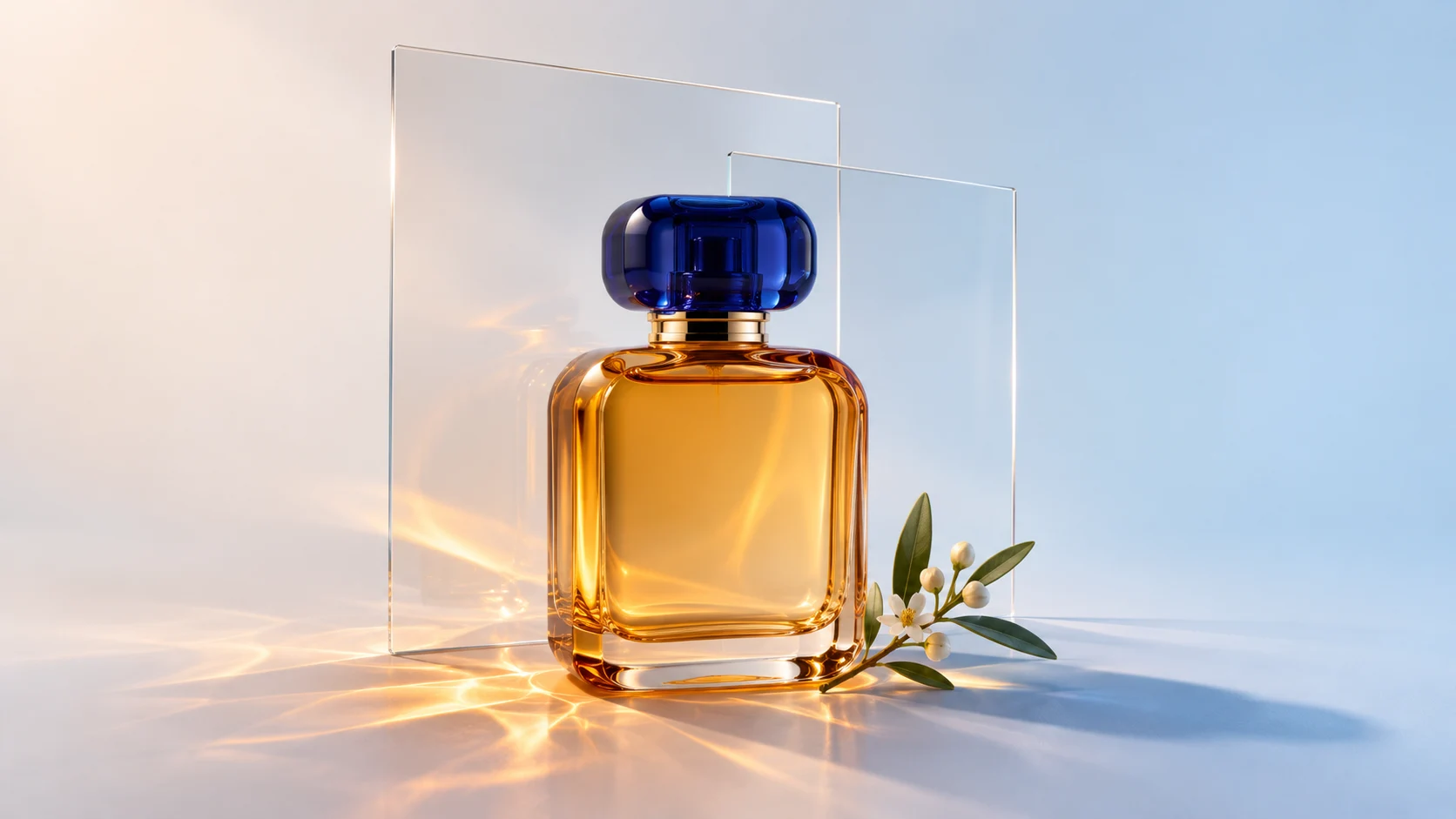
Seedream 5.5 vs Seedream 5.0 Pro and Seedream 4.5
Seedream 5.5 is the version to test when your workflow depends on repeated edits to a single asset or transparent output from a text prompt. Seedream 5.0 Pro is the specific 5-series version used in this comparison. Seedream 4.5 still has an advantage when you need a 4K canvas or a set of related images from one request.
| Feature | Seedream 5.5 | Seedream 5.0 Pro | Seedream 4.5 |
|---|---|---|---|
| Resolution presets | 1K, 1.5K and 2K | 1K, 1.5K and 2K | 2K and 4K |
| Images per request | One standard output. Layer extraction is a separate mode. | One standard output. Layer extraction is a separate mode. | Image sets supported. Up to 15 input and output images combined in that mode. |
| Repeated edits | ByteDance demonstrated a 100-round edit sequence. Each API turn sends an image again. | Image-to-image editing. No comparable published round count. | Image-to-image editing. No comparable published round count. |
| Transparent RGBA | Available for text-to-image and reference-based generation on native routes. | Requires one transparent PNG as input for native transparent output. | Native transparent-background output is unlisted. |
| Text and OCR | Text rendering and OCR metadata for supported fonts in layer mode. | Text rendering. The new layer OCR option is specific to 5.5. | Can render text. Layer OCR is unlisted. |
| Layer decomposition | One base image and up to 99 layers in the provider’s native mode. | One base image and up to 16 layers in the provider’s native mode. | Native layer decomposition is unlisted. |
| Aspect ratio | 1:16 to 16:1 within supported pixel bounds. | 1:16 to 16:1 within supported pixel bounds. | 1:16 to 16:1 within supported pixel bounds. |
| Billing basis | LAYSO’s versioned route meters tokens. | Ark bills output images by resolution tier. | Ark bills generated images individually. |
Compare all three on the same asset. For a catalog photo, make a background change, a lighting adjustment and a crop, then compare the label, shape and color with the original at each step. For a poster, check the final characters individually. ByteDance’s 100-round result describes its demonstration. Plan the number of turns around the quality you can verify on your own inputs.
Seedream 5.5 API pricing and cost per image
The LAYSO listing for doubao-seedream-5-5-261028 uses token billing on HS-Image-1. Its published channel rate is US$75 per million billed tokens at the current USD reference conversion. Check the usage and credit charge on a representative request before estimating a per-image cost. Image count, resolution and the number of edit turns all matter when comparing workflows.
| Model | Billing unit | Price |
|---|---|---|
| Seedream 5.5 · LAYSO | Per million billed tokens | US$75 on HS-Image-1, USD reference |
| Seedream 5.5 · Volcano Engine Ark | Provider tariff | Check the Ark console for your region and endpoint |
| Seedream 5.5 · BytePlus | Per generated image | From US$0.02 under the advertised first-purchase offer |
| Seedream 5.0 Pro · Volcano Engine Ark | Per generated image | CNY ¥0.30 up to 2.61M pixels, ¥0.60 above that |
| Seedream 4.5 · Volcano Engine Ark | Per generated image | CNY ¥0.25 |
| GPT Image 2.6 Flare · OpenAI | Per million image output tokens | US$30, with input billed separately |
| Nano Banana 2 · Google Gemini API | Standard image output | About US$0.067 at 1K, US$0.101 at 2K and US$0.151 at 4K, with input billed separately |
The prices above describe the named channel or provider offer. Keep the currency, billing unit and resolution attached when comparing them. For example, 1,000 finished 1K assets at Google’s standard output rate would cost about US$67 for the first successful outputs, plus input and any edits. For LAYSO, run a small batch with your actual references, divide the recorded credit charge by the number of approved assets and use that figure for your budget. For multi-turn work, count every generation and edit it took to reach the approved version.
Five Seedream 5.5 prompts to copy
Provide the reference image when a prompt says to preserve an existing object or subject. For transparent cutouts and icons, request PNG on a route that supports transparent output. Review the result on both a light and a dark background.
Transparent product cutout
Isolate the bottle in the reference image. Keep the label, cap, silhouette and glass reflections. Remove the background and cast shadow, preserving translucent edges. Center the bottle with even padding and export as a transparent PNG.
Expected output: an RGBA cutout with clean edges. Inspect the glass and the label at full size.
E-commerce hero image
Replace only the background with a matte ivory tabletop and a pale grey wall. Match the original light direction. Keep the product shape, proportions, label text, color and framing identical. Leave space at the top for a headline.
Expected output: a clean storefront image that keeps the product and packaging recognizable.
Poster with Chinese text
Design a vertical launch poster. Set the exact headline “秋日上新” at the top and “11月18日” underneath. Use a plain bold Chinese sans serif, high contrast, generous line spacing and no additional text. Place one illustrated orange at the bottom.
Expected output: a legible headline and date. Compare each character against the source text before publishing.
Multi-turn portrait edit
First turn: replace only the background with soft blue. Keep the subject’s face, expression, pose and clothing. Second turn: use the previous result and warm the background lighting, preserving facial features, camera angle, crop and clothing color.
Expected output: two checkpoints for checking that the intended change stayed localized.
Transparent icon asset
Create one centered rounded folder icon with a blue enamel finish, consistent three-quarter perspective and even padding on all sides. Keep any shadow inside the object silhouette. Export as transparent PNG, with no lettering or frame.
Expected output: one icon that works at small sizes. Review the outline on a dark background.
Call the Seedream 5.5 API with cURL and Python
Create a LAYSO API key and set the LAYSO_API_KEY environment variable. If you have keys with different routing permissions, send the same key to GET /v1/models and check for the full versioned model ID first. Use the LAYSO image gateway for the examples below. The short model name doubao-seedream-5-5 is separately listed for the OpenAI-compatible chat endpoint and takes a chat payload.
cURL
Send one text-to-image request to POST /v1/images/generations. A successful URL response contains the generated asset under data[0].url.
curl -fsS https://api.layso.ai/v1/images/generations \
  -H "Authorization: Bearer $LAYSO_API_KEY" \
  -H "Content-Type: application/json" \
  -d '{
    "model": "doubao-seedream-5-5-261028",
    "prompt": "A ceramic mug on a pale stone plinth, soft daylight, square product photo.",
    "size": "1K",
    "response_format": "url"
  }'
Python · OpenAI SDK
Install the OpenAI Python package with pip install openai. Set the LAYSO base URL and key. extra_body supplies Seedream’s 1K size preset to the image request.
import os
from openai import OpenAI

client = OpenAI(
    base_url="https://api.layso.ai/v1",
    api_key=os.environ["LAYSO_API_KEY"],
)
result = client.images.generate(
    model="doubao-seedream-5-5-261028",
    prompt="A ceramic mug on a pale stone plinth, soft daylight, square product photo.",
    extra_body={"size": "1K", "response_format": "url"},
)
print(result.data[0].url)
Python · Image → image
Install requests with pip install requests. Pass the first output URL as image for the next request, then pass that edit into the following one. Download or store each checkpoint you need before temporary image URLs expire. If a reply is interrupted, inspect the request log before retrying a potentially billable call.
import os
import requests

def edit(prompt, image=None):
    payload = {
        "model": "doubao-seedream-5-5-261028",
        "prompt": prompt,
        "size": "1K",
        "response_format": "url",
    }
    if image:
        payload["image"] = image
    response = requests.post(
        "https://api.layso.ai/v1/images/generations",
        headers={"Authorization": "Bearer " + os.environ["LAYSO_API_KEY"]},
        json=payload,
        timeout=180,
    )
    response.raise_for_status()
    return response.json()["data"][0]["url"]

original = edit("A blue ceramic mug with a rounded handle on a light stone plinth.")
first = edit("Replace only the background with warm grey. Keep the mug and crop.", original)
second = edit("Soften the background shadows. Keep the mug's color, shape and position.", first)
print(second)
Seedream 5.5 limits and known issues
Transparency needs a route that exposes background and output_format. Use PNG for RGBA. The native API documents up to ten reference images for standard generation and one input image for layer decomposition. Native output sizes are bounded by pixel count as well as aspect ratio. Start with 1K or 2K before asking for custom dimensions.
Image and prompt moderation can block a request. Use common Chinese typefaces and verify exact copy yourself, especially for stylized text, handwriting or dense packaging. Layer extraction can reserve multiple outputs against provider limits. The provider’s integration notes list 500 images per minute. LAYSO capacity depends on the key and channel. Use bounded backoff for a 429 and track each edit as a separate request.
Open the online image generatorStart using the LAYSO API
LAYSO provides a unified API for AI model access. Create an API key, choose an available model and route, and connect your application. Check live pricing before sending requests and review the platform credits used in your usage logs.
https://api.layso.ai/v1Frequently asked questions
Can Seedream 5.5 output a transparent PNG?
Yes, on a compatible Seedream route. Request background=transparent and output_format=png, then inspect the downloaded file for an alpha channel. Confirm route support before depending on this feature in production.
Can Seedream 5.5 edit an existing image?
Yes. Send the original image with the first instruction, then send the previous result with each new instruction. Keep the original and every approved checkpoint so you can resume from an earlier edit if details drift.
Where can I check LAYSO availability and pricing?
Check the exact model ID in GET /v1/models using the key you will deploy. The LAYSO pricing page shows the current rate and billing unit by channel. The usage log shows what a particular request actually cost.
Is Seedream 5.5 free?
The LAYSO channel in the pricing table is metered. Check LAYSO’s current activities for any trial access and its eligibility or request limits before running a job.
Where can I try Seedream 5.5?
Use a LAYSO key that lists doubao-seedream-5-5-261028 and run the cURL example above. The online image generator is a general preview. Its selector reflects the models available to your selected key.
Seedream 5.5 vs Nano Banana 2: which should I try?
Test Seedream 5.5 for transparent assets and edits that should preserve the original composition. Try Nano Banana 2 when 4K output matters. Use the same reference and score the number of attempts you need to get an approved asset.
How much does Seedream 5.5 cost per image?
LAYSO’s versioned listing uses token billing, so the cost per image comes from the usage and channel for that request. BytePlus advertises per-image pricing for its first-purchase offer, which has its own terms.
Does Seedream 5.5 support Chinese text?
It can render Chinese text, and the provider documents OCR for supported typefaces in layer mode. Use a short exact phrase and a common font. Check every character before exporting art for customers.
Do I need a new API key for Seedream 5.5?
Your existing LAYSO key works if its accessible model list contains the exact model ID. If it is missing, check your key’s channel permissions or choose a key with access to the model.
Sources and further reading
- Seedream 5.5 · ByteDance Seed
- Seedream 5.5 launch · ByteDance Seed
- Image generation API · Volcano Engine Ark
- Seedream 5.5 integration notes · ByteDance
- Image generation guide · Volcano Engine Ark
- Model pricing · Volcano Engine Ark
- Seedream 5.5 pricing and first-purchase offer · BytePlus
- GPT Image 2.6 Flare pricing · OpenAI
- Nano Banana 2 pricing · Google